
Datacenter modernization
Servers hit end of life, contracts expire, and then the VMware quote lands at two or three times the old price, often for a bundle you don't fully use. You're facing two investments at once, and that makes this the moment to decide what you really invest in. Azure Local runs on your own hardware but stays connected to Azure, so you get local control and predictable cost, without separate VMware contracts and their increases.
Why now is the moment
IT teams usually avoid big changes: too risky, too much work, too little time. This moment is different, because the budget is already there. The hardware has to be replaced either way, so the money will be spent. The only open point is where it goes, and that turns a routine refresh into a strategic call. You can replace like for like (new hardware plus higher licenses and five more years of the same), or you can modernize. And if your current setup still has years left and VMware works for you, there is no reason to move. This is for the moment you have to reinvest anyway.



How we move you across
The starting point is the investment you already have to make. We assess your current environment: what runs where, what it costs, and what breaks if you touch it. You get a migration plan with a business case, so you know what stays local, what moves to Azure, and what it does to your TCO, before you commit. Then we build the new platform that fits your situation: Azure Local on new hardware, or Windows Server where your existing hardware still has life in it. Your VMware workloads move across in waves, with tools your team already knows, without stopping production. The environment is documented as code, so it’s repeatable and auditable. Afterwards your team runs it, or we do through Managed Services. And if your current setup still has years left, we’ll tell you that too.



Sector examples

Manufacturing uptime
A manufacturer with 2,000 employees modernizes its datacenter without a minute of production downtime.
Healthcare migration
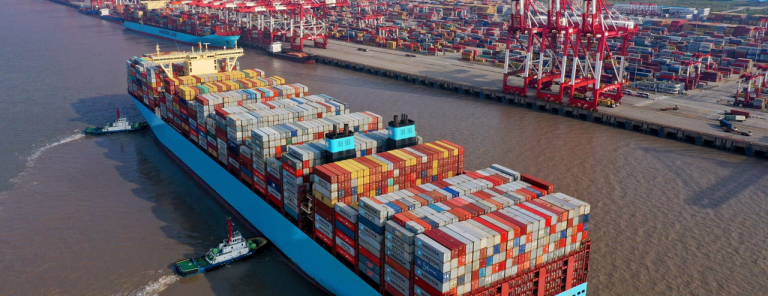
A hospital replaces its VMware clusters at contract renewal and gets predictable costs in return.
Retail hardware
A retailer refreshes hardware across dozens of locations and manages them all from one dashboard.
Let’s talk it through
One conversation is usually enough to see where the value is for your organization, whether that’s in cost, risk, or everyday management. No slides required.

Other solutions we provide


Our VMware contract is up for renewal. What are our options?
That depends mostly on your hardware. If it's still under support and suitable for Azure Local or Windows Server, you can switch platforms and keep it. If it's at end of life, this is the moment to choose a new platform instead of buying the same again. And if VMware still works for you at the new price, renewing is an option too; our assessment puts the costs side by side before you sign anything. We've helped many organizations through this exact decision since Broadcom changed VMware's licensing.

Should we replace our hardware like for like or switch platforms?
Like for like means new hardware, a VMware renewal at the new prices and five more years of the same. Switching puts the same hardware budget into a platform that stays connected to Azure, without separate VMware licensing. Which is better depends on your workloads and costs, and that's exactly what the assessment compares.
Azure Local or Windows Server with Hyper-V: which fits us?
Windows Server with Hyper-V is a hypervisor: proven, familiar and licensed the traditional way. Azure Local is a cloud platform on your own hardware: you manage it from Azure and can add Azure services such as AKS, Azure Virtual Desktop and Arc management. If you only need to run VMs on existing hardware, Hyper-V can be enough; if you want the cloud operating model on-premises, Azure Local fits better. We build both, so we have no reason to push you either way.
Can we move our VMs without downtime?
Not entirely: switching hypervisors always means a short interruption per VM. We keep it as short as possible with migration tooling that copies each VM in the background and only stops it for the final cutover. We plan those cutovers in waves and in your maintenance windows, so production keeps running. We've done many of these migrations, so we know which applications need extra care at cutover.
What does the assessment deliver?
The assessment maps what runs where, what it costs today and what breaks if you touch it. You get a migration plan with a business case and a TCO comparison, so you know what stays local, what moves to Azure and what it costs before you commit. The quickest way to see what it means for your environment is a short call with one of our architects.
Can we keep using our current hardware?
Often, yes. Your servers need to be under support, and for Azure Local the configuration must be in Microsoft's Azure Local catalog. If it isn't, Windows Server with Hyper-V may still run on it, or upgrading a few components can make it fit.
How long does a VMware migration usually take?
That depends on the number and type of workloads, and on whether you migrate in one go or in batches. Most projects move in batches. The first machines usually run on the new platform within two weeks.
We already pay for Windows Server Datacenter licenses. Does that cover the new platform?
Very likely, and that's where a large part of the saving is. If you run Windows Server VMs, you probably already license your hosts with Windows Server Datacenter, whether they run VMware, Proxmox or Nutanix. That license includes Hyper-V, failover clustering with SAN storage and Storage Spaces Direct, so on Windows Server the hypervisor costs nothing extra and the VMware bill disappears. With Software Assurance, the same license also waives the Azure Local host fee and Windows Server guest licensing through Azure Hybrid Benefit.
You deal directly with the people who build your platform
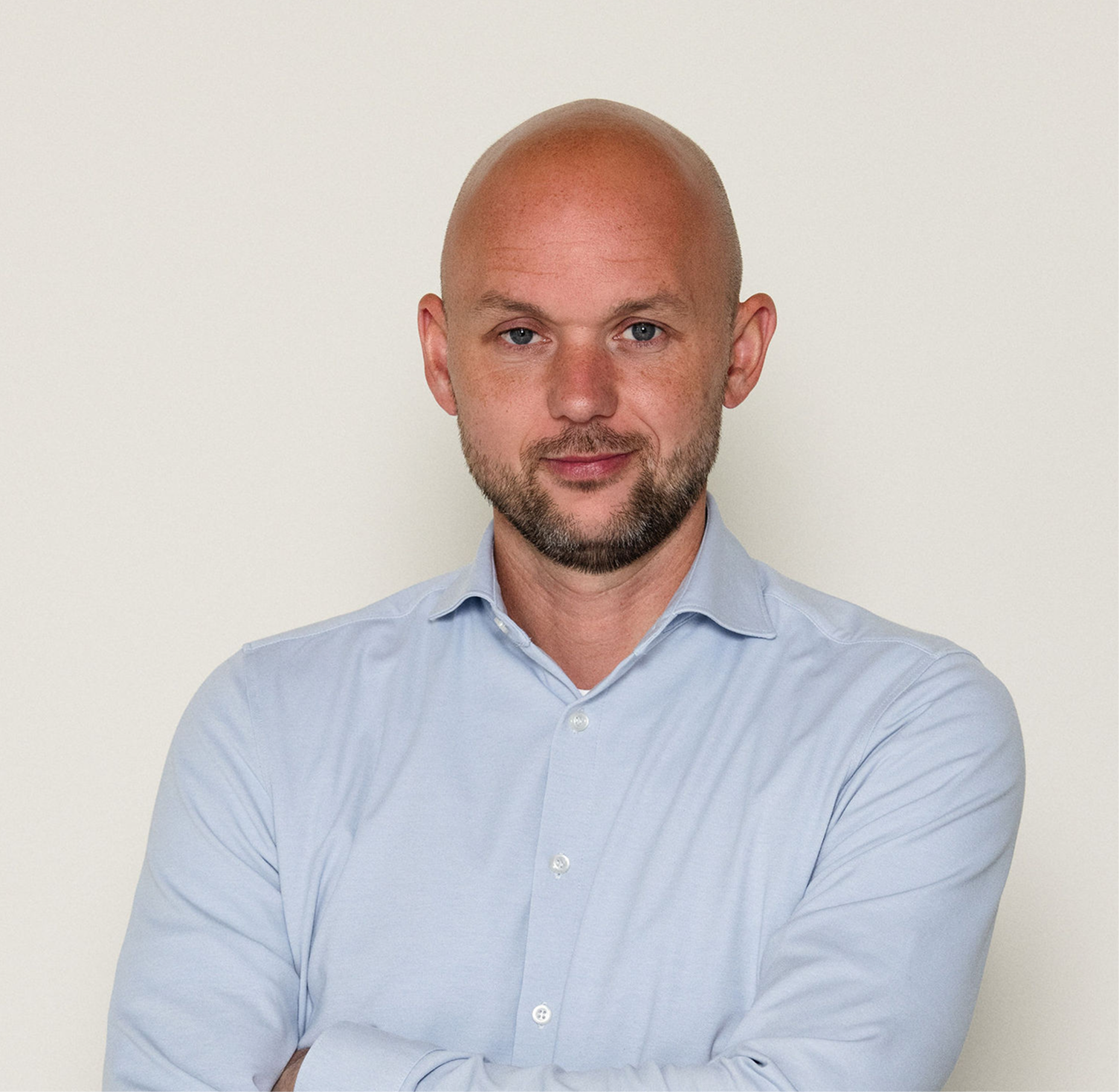
Splitbrain is small and specialized, with deep technical expertise. No handover from sales to delivery: the people who advise you also build your environment. Two Microsoft MVPs on the team, a title Microsoft reserves for proven experts. You work directly with the specialists who design and build your environment Microsoft partner Technology Experience Center: test with your own data before you invest.

More info



Navigation
Important links
Contact details
Socials

