
Azure Local vs. Windows Server
Compares Azure Local and Windows Server on storage (including SAN), management, Azure services and licensing, with eight scenarios and the best fit for each.

Azure Local and Windows Server with Hyper-V are built on the same Microsoft technology: Hyper-V, failover clustering and Storage Spaces Direct. What differs is how you run them. Windows Server is a hypervisor you manage locally. Azure Local is a cloud platform on your own hardware that you manage from Azure, although local tools such as PowerShell and Failover Cluster Manager are still available. Since 2026 Azure Local also supports external SAN storage, which removes one of the main reasons to choose Windows Server. Below we compare storage, management, Azure services and licensing, followed by eight situations and the platform we'd pick for each.
SAN vs. hyperconverged infrastructure (HCI)
SAN
Before hyperconverged infrastructure (HCI), virtualization was typically paired with a SAN. All hosts reach the SAN over iSCSI or Fibre Channel and use it as shared storage, and workloads read and write their data through the hosts.
With multiple servers, storage connected to several switches, redundant storage controllers and RAID, you get a platform that survives hardware failures and keeps your workloads available. Until 2026 this was a Windows Server-only option. Since release 2604, Azure Local also supports external SAN storage over Fibre Channel, and since 2607 over iSCSI, for arrays from qualified vendors. You can use SAN storage next to Storage Spaces Direct, or build an Azure Local cluster on SAN storage only.
Hyperconverged infrastructure (HCI)
With hyperconverged infrastructure, a cluster of servers pools its local disks into shared storage that every host can reach over Ethernet. The feature that does this is Storage Spaces Direct, available in both Windows Server and Azure Local. With multiple servers, redundant connections to different switches and mirrored storage, the platform handles the failure of individual components without affecting the workloads.
For organizations with higher availability requirements, Azure Local adds rack aware clustering. It spreads one cluster across two racks in different rooms or buildings, with up to four machines per rack, one storage pool and a copy of the data in each rack. If a rack, a room or a building fails, the workloads keep running. The limit is distance: the round-trip latency between the two racks must be 1 ms or less, so both need to be on the same site, connected by a dedicated storage network. Rack aware clustering is for new deployments and can't be combined with external SAN storage.

As the image shows, a SAN needs more hardware, power, rack space and cooling, while a hyperconverged cluster only needs servers and switches. Which is cheaper depends mostly on how much storage you need compared with compute; scenario 1 below goes into that.
In the past, the name Azure Stack HCI was also used for HCI solutions built on Windows Server, and older documentation still mixes the terms, which has led to confusion. Microsoft renamed Azure Stack HCI to Azure Local at the end of 2024. When we, or Microsoft, refer to Azure Local today, we mean the platform that runs the Azure Local operating system and is managed from Azure, with local storage, SAN storage or both.
Software-defined
In a cloud model you create resources, infrastructure included, with code instead of by hand: infrastructure as code (IaC). With a SAN that's harder, because compute and storage are managed separately, especially when you want to add storage from code.
With HCI, storage is software-defined within the operating system. You configure it from the hypervisor, which makes it easier to set up and expand with code. Read more in From manual operations to engineering with Infrastructure as Code.
Cloud concepts
People often use "cloud" for a location, but it's a way of working: you request compute, storage and network through a portal or an API, and code underneath deploys it for you, wherever the hardware is.
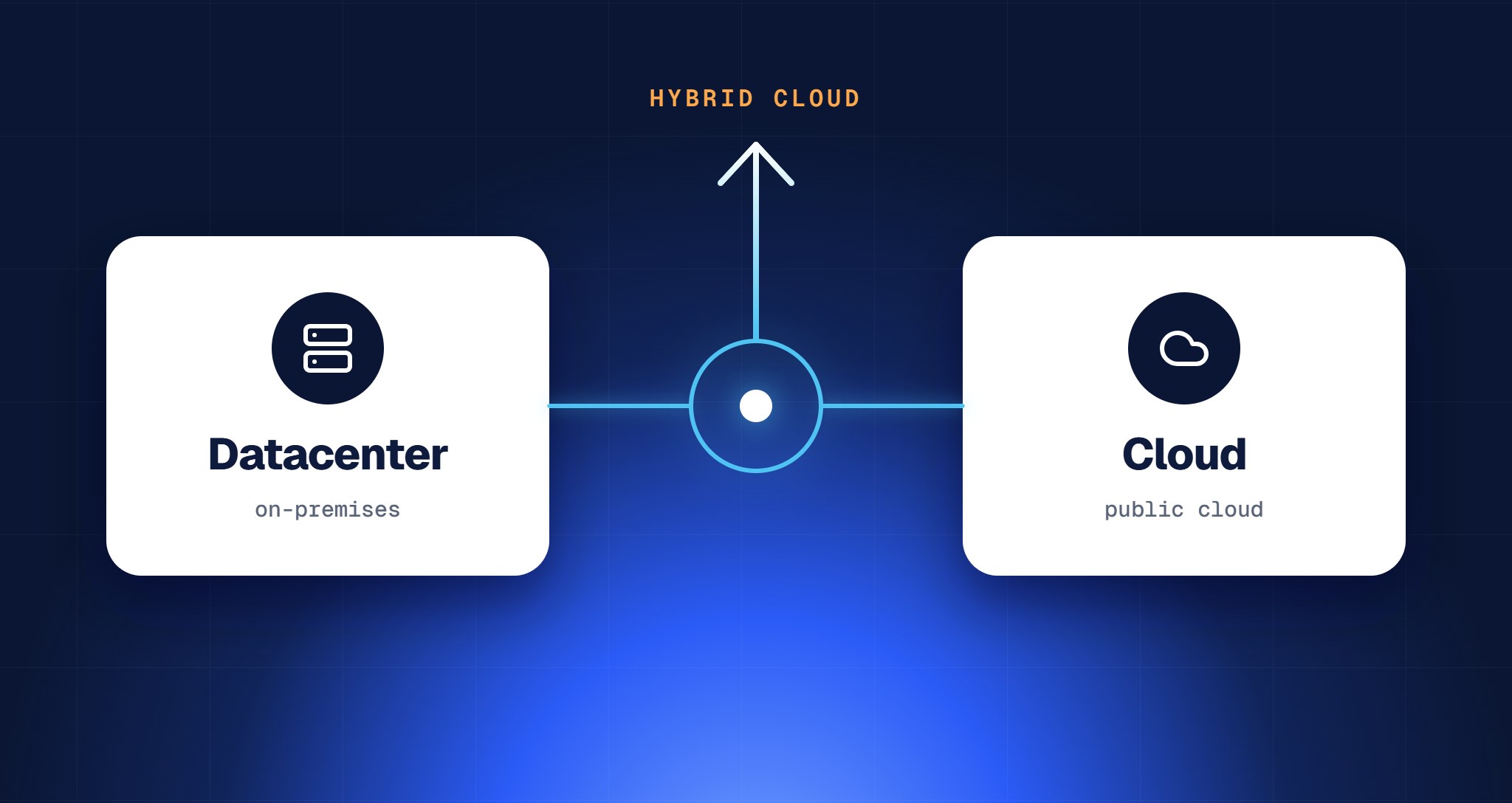
Cost, performance, latency and data sovereignty can make it impractical to move everything to a public cloud provider, even when the cloud model would benefit your organization. A hybrid approach lets you use the cloud model while keeping control over where resources run, so each workload can run where it fits best.

You also manage everything from one place, the Azure portal or Azure Resource Manager, whether you have a few clusters in one location or hundreds around the world.
Azure services also run on Azure Local: AKS enabled by Azure Arc for containers, Azure Virtual Desktop session hosts, SQL Managed Instance enabled by Azure Arc and Azure IoT Operations, all deployed and managed from the same Azure portal.
Feature comparison
Not every feature is available on both platforms. The tables below compare Windows Server 2025, the current long-term release, with Azure Local.
Infrastructure components
This table looks only at virtualization and infrastructure components.
Stretched or rack aware? Both protect you against losing part of your infrastructure, but at a different scale. A stretched cluster on Windows Server spans two sites, such as two datacenters, and replicates storage between them with Storage Replica, synchronously or asynchronously. It's built to survive the loss of a whole site. A rack aware cluster on Azure Local stays on one site: two racks in different rooms or buildings, no more than 1 ms round-trip apart, sharing one storage pool with a copy of the data in each rack. It survives the loss of a rack, a room or a building, but not of the whole site.
Management and third-party software
If you move to a cloud model with Azure Local, you also move away from local management tools. System Center Virtual Machine Manager and Windows Admin Center don't support Azure Local. You manage the platform and its workloads from Azure instead, through the portal, the Azure APIs, infrastructure as code or third-party tools.
Both platforms work with a wide range of third-party software. Most major vendors support Azure Local today, but check your specific tools: support for smaller products still varies.
Azure features and services
On Azure Local you can run Azure services such as:

- AKS enabled by Azure Arc, for containers
- Azure Virtual Desktop, with session hosts close to your users and data
- SQL Managed Instance enabled by Azure Arc
- Azure Local VMs, created and managed from Azure
Microsoft keeps adding to that list. In October 2026 it announced that Foundry Local, for running AI models on your own hardware, and GitHub Enterprise Local, a validated GitHub Enterprise Server appliance, become generally available at Microsoft Ignite. Confidential VMs on Azure Local are generally available, and DocumentDB and Blob Storage on Azure Local are in public preview.
The table below shows which features run where.
Licensing and cost
Windows Server is licensed per core. With Datacenter edition on all cores of a host, you can run unlimited Windows Server VMs on it, and Hyper-V, failover clustering and Storage Spaces Direct are included.
Azure Local is billed per physical core per month through your Azure subscription, with no minimum term. The rate depends on how you deploy it:
- Hyperconverged (tier L1): local storage with Storage Spaces Direct, up to 16 machines. This is the only tier where Azure Hybrid Benefit applies. With Windows Server Datacenter licenses and active Software Assurance, it waives the Azure Local fee and the Windows Server guest subscription.
- SAN and larger setups (tier L2): external SAN storage, SAN-only (disaggregated) or multi-rack deployments. Azure Hybrid Benefit doesn't apply.
- Disconnected (tier L3): deployments with disconnected operations and a local control plane. Azure Hybrid Benefit doesn't apply here either.
Without Azure Hybrid Benefit, guest VMs need their own Windows Server licenses, through Azure or with licenses you already own. And with a SAN, on either platform, count the storage itself as well: depending on the vendor, the SAN's own licensing for capacity, features or support comes on top.
You'll find the current rates on Microsoft's Azure Local pricing page. Our post on Windows Server and Azure Local licensing works through an example cluster.
When to choose Azure Local or Windows Server
Below are eight common situations, with the platform we'd choose in each and why.

Scenario 1: You need a lot of storage
Best fit: Windows Server with a SAN, or Azure Local with a SAN if you need Azure services.
If you need a lot of storage that doesn't have to be fast, the ratio of CPU, memory and storage in a hyperconverged cluster can be inefficient: you buy compute you don't need, or run out of capacity first. External SAN storage solves that, and since 2026 it works on both platforms. Windows Server with a SAN is the simplest choice if you don't need Azure services. Choose Azure Local with a SAN if you do, keeping in mind that Azure Hybrid Benefit doesn't apply to SAN deployments.
Scenario 2: You don't plan to use cloud management
Best fit: Windows Server, with a SAN or HCI.
If you don't expect to need a single management portal, deployment through APIs or other cloud capabilities in the next five years or more, stay with Windows Server, with a SAN or HCI. You can still automate a lot with PowerShell.
Scenario 3: You want the cloud model, but data stays on-premises
Best fit: Azure Local.
Your organization is moving toward a cloud model and cloud-native workloads, but performance, latency, compliance or cost control mean the data has to stay on-premises. Azure Local lets you run workloads close to users and factory equipment while working the way you would in Azure: infrastructure as code, one management portal and Azure services at the edge. Read more in Why 90% of your data doesn't belong in the cloud and, for compliance, in Sovereign cloud on Azure Local.
Scenario 4: You deploy clusters and workloads with infrastructure as code
Best fit: Azure Local.
If your IT team wants to deploy new clusters and workloads with infrastructure as code, Azure Local is the best fit, because it integrates natively with Azure Resource Manager. You can deploy virtual machines, Azure Kubernetes Service and even new Azure Local instances with ARM, Bicep or Terraform. Your team manages infrastructure the same way it manages application code, which means fewer manual steps and the same configuration everywhere.
Scenario 5: You're a hosting provider with multiple tenants
Best fit: Windows Server for now; Azure Local once multitenancy is available.
Until now, Azure Local was hard to use as a shared platform for several organizations. An Azure Local instance is registered in a single Microsoft Entra ID tenant, so you couldn't separate customers on the same infrastructure. That is changing: on 20 October 2026 Microsoft announced that Azure Local will support multitenancy, with resources, governance and management separated per tenant on shared infrastructure. Microsoft explicitly mentions local operators and service providers that want to offer sovereign cloud services. No date has been given yet.
Until multitenancy is available, Windows Server with Hyper-V remains the proven route for hosting providers. Service provider licensing (SPLA) was the other obstacle in the past, so check the current terms with your licensing partner before you build a service on Azure Local.
Scenario 6: Branch offices, factories and retail locations
Best fit: Azure Local.
With edge computing, data is processed close to the devices and systems that need it quickly, instead of in one central location. Keeping data on-site also means production keeps running when the internet connection drops: an Azure Local cluster keeps its VMs running and only needs to sync with Azure once every 30 days. With hundreds of small clusters in branches, stores or factories, the Azure portal gives you one place to monitor, deploy and manage all of them. Read more in Global IT management without local staff.
Scenario 7: You're moving from VMware or another hypervisor
Best fit: Windows Server on your current hardware; Azure Local at the next hardware refresh.
If you're moving away from another hypervisor, such as VMware, Hyper-V is the obvious next step. A Windows Server cluster with a SAN is the easiest route, because Windows Server 2025 runs on a wide range of hardware.
The hyperconverged approach has stricter hardware requirements, and your current servers may not be in the Azure Local catalog. If you already have a SAN from a qualified vendor, you can now keep it: both Windows Server and Azure Local can use it. And if you already license your hosts with Windows Server Datacenter, Hyper-V comes at no extra license cost.
If you plan to adopt the cloud model later, consider Azure Local when your current hardware reaches its end of life. Read more in How to migrate from VMware to Hyper-V and How to migrate from VMware to Azure Local.
Scenario 8: Sites that can never connect
Best fit: Windows Server, or Azure Local with disconnected operations if you want the cloud model.
Ships, offshore platforms and classified environments often have no internet connection at all. Until recently, that ruled out Azure Local. With disconnected operations, Azure Local now runs with a local control plane, including its own Azure portal, so you keep working as you would in Azure, without a connection to it. Microsoft checks eligibility first, and it needs a dedicated management cluster. If you don't need the cloud model, Windows Server remains the simpler choice here.
What best suits your needs
Choose Windows Server if you want a proven hypervisor you manage locally, with or without a SAN, and no Azure services. Choose Azure Local if you want the cloud way of working on your own hardware: one portal for every site, infrastructure as code and Azure services next to your data. Since 2026, storage is no longer the deciding factor, because both platforms support SAN.
FAQ
Can Azure Local use a SAN?
Yes. Since release 2604 (April 2026), Azure Local supports external SAN storage over Fibre Channel, and since 2607 over iSCSI, for arrays from qualified vendors. You can use it next to Storage Spaces Direct or build a cluster on SAN storage only.
Is Windows Server still being developed, or is Microsoft moving everyone to Azure Local?
Both are actively developed. Windows Server 2025 is the current long-term release, with mainstream support until November 2029 and extended support until November 2034, and Microsoft has already announced its successor, Windows Server 2028. Azure Local gets a new release every month. Microsoft positions them side by side, for different ways of working.
Does Azure Local need a permanent internet connection?
No. If the connection drops, your VMs keep running. Azure Local does need to sync with Azure at least once every 30 days to create new VMs, and for sites that can never connect there are disconnected operations.
What does Azure Local cost compared to Windows Server?
Windows Server is licensed per core, and Datacenter edition covers unlimited Windows Server VMs on a fully licensed host. Azure Local is billed per physical core per month through your Azure subscription, at a rate that depends on the deployment: hyperconverged, SAN or disconnected. With Windows Server Datacenter licenses and active Software Assurance, Azure Hybrid Benefit waives that fee and the Windows Server guest licensing, but only for hyperconverged deployments without external storage.
Can we start on Windows Server and move to Azure Local later?
Yes. Both run Hyper-V virtual machines, so you migrate your VMs instead of rebuilding your workloads. A natural moment is the next hardware refresh, because Azure Local needs hardware from the Azure Local catalog.
Do we need a partner to deploy Azure Local, or can we do it ourselves?
For Windows Server with Hyper-V, many IT teams can do it themselves. For Azure Local, we recommend working with a specialist partner. Azure Local combines Hyper-V with Azure: it needs Azure skills, hardware from the Azure Local catalog, a network design that meets Microsoft's requirements, and monthly updates that have to be planned and tested. Some of those choices, such as the network design, are hard to change after deployment. Splitbrain is a Dutch Azure Local specialist with more than 100 Azure Local deployments, going back to when the platform was called Azure Stack HCI, and two Microsoft MVPs on the team. Splitbrain designs, builds and manages both Azure Local and Windows Server environments, from a single site to locations around the world, so you get advice on which platform fits rather than a push toward one.
Not sure which fits your environment? Talk to one of our architects.
Let’s talk it through
One conversation is usually enough to see where the value is for your organization, whether that’s in cost, risk, or everyday management. No slides required.

Related blogposts






Navigation
Important links
Contact details
Socials

